Professional A3 drawings
Thin black lines, a scale bar on every sheet, site plan dimensions in metres and a title block with address, scale, date and datum.

MyRoomCraft · Features
Draw what you have. Try what you want to change. Watch your ideas take shape.
Why MyRoomCraft
Not just a nice picture. Drawings, checks and documents that answer the questions planners, freeholders and builders ask.
Thin black lines, a scale bar on every sheet, site plan dimensions in metres and a title block with address, scale, date and datum.
Calculates footprint, floor area, eaves and ridge height automatically, so you can compare them with the rules.
Framing and roof truss plans with studs, joists and centres – a starting point for your builder or engineer.
Reviews your rooms and flags dark rooms, tight passages, clashing doors and missing storage.
MyRoomCraft gives you tools and drawings in a standard format. You remain responsible for your application and for checking local rules. Structural elements must always be designed by a qualified professional.
01
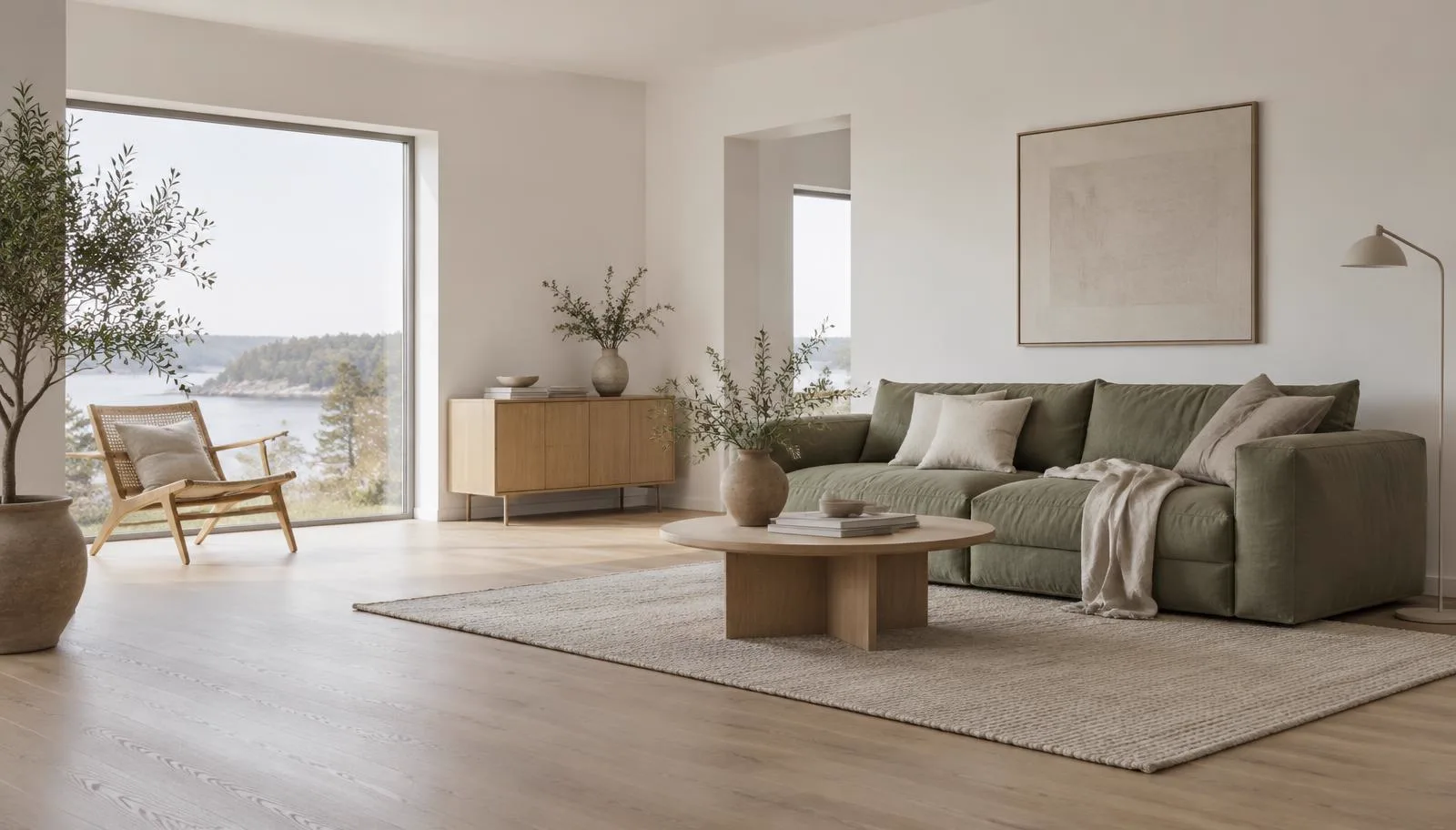
See your rooms with the furniture, colours and materials you have chosen. From a floor plan to a picture of how your home could feel.
Discover: AI preview02
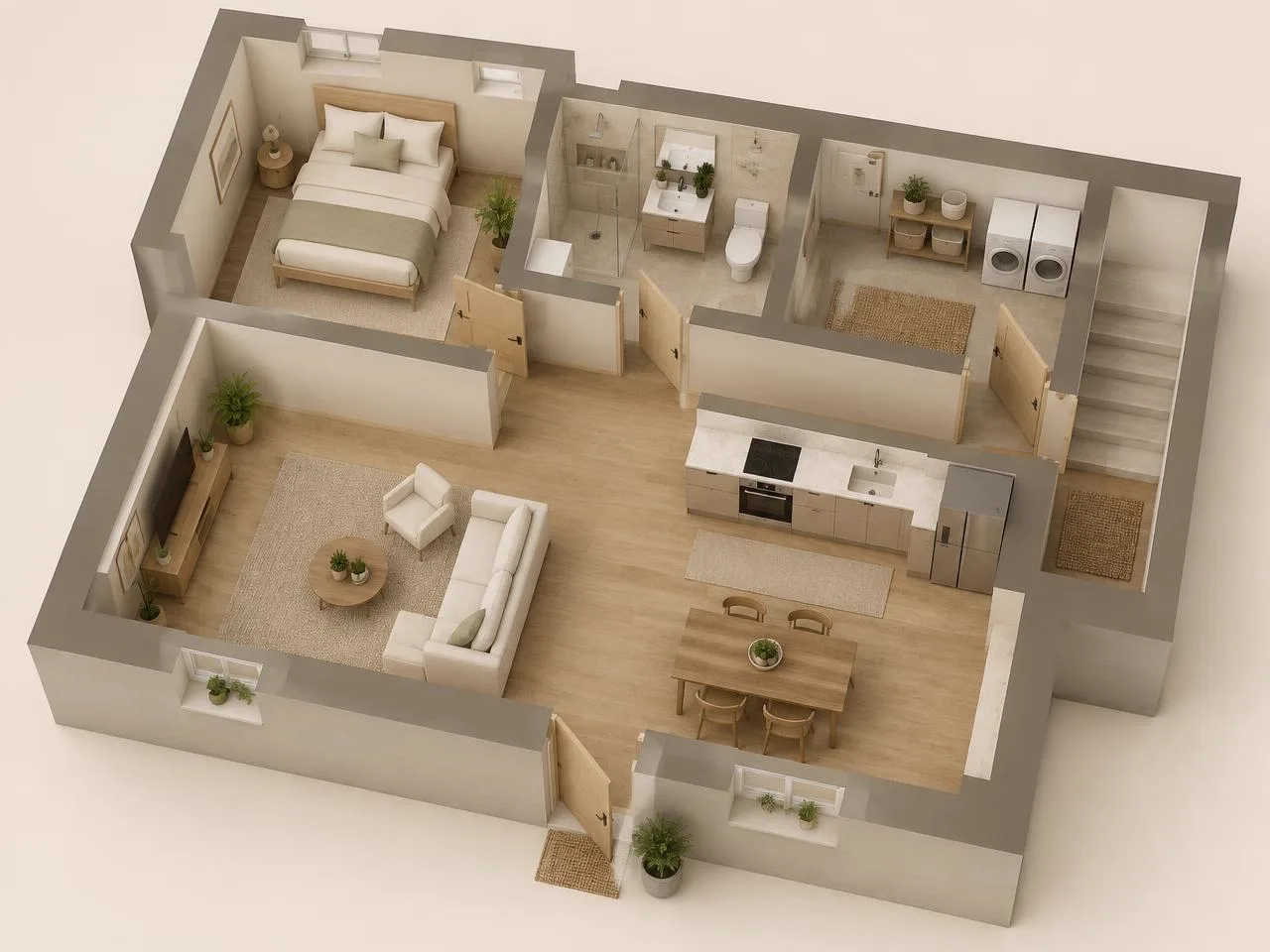
Plan rooms, doors and windows in centimetres. See how the floors fit together before you change your home.
Discover: Floor plan & 3D03
Try furniture, flooring and wall materials in the same plan. Make room for what you already own – and what you are thinking of buying.
Discover: Furniture & materials04
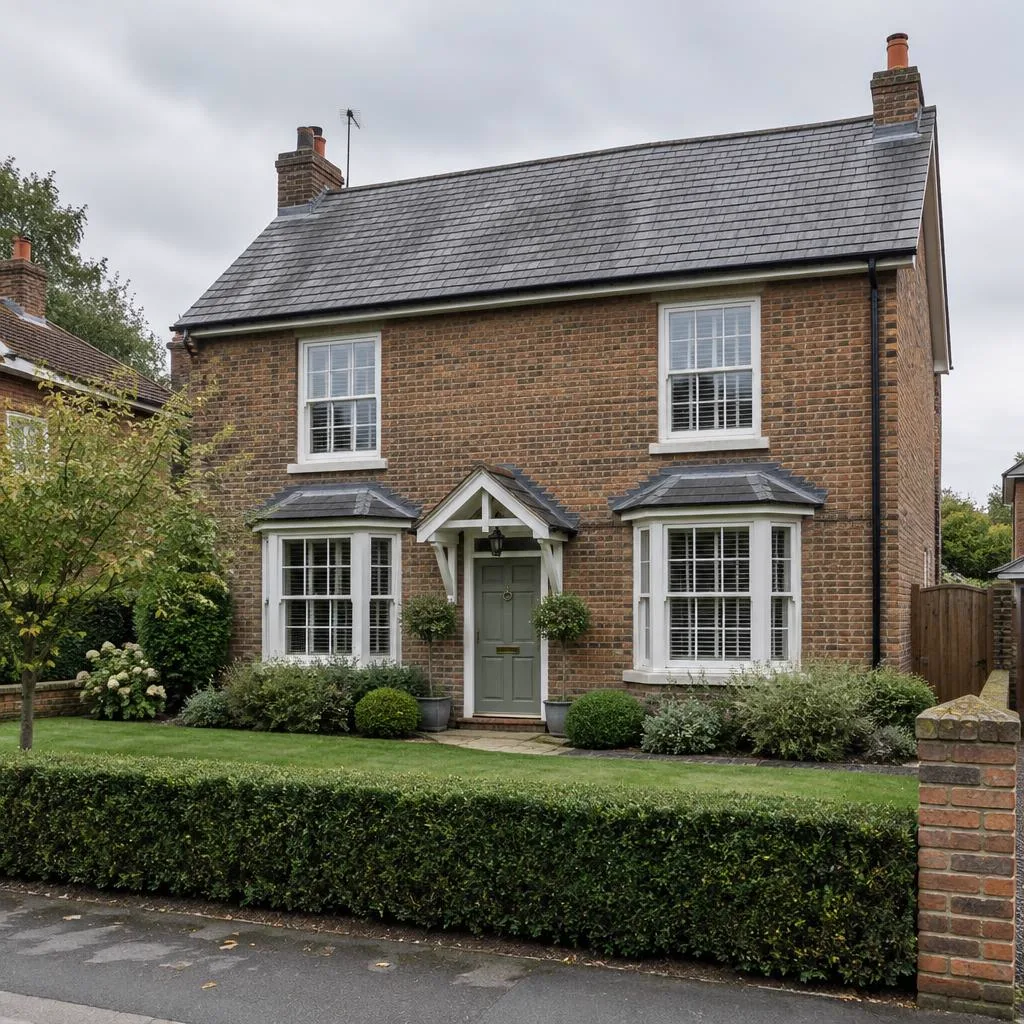
Give your plan the house's real facade and roof, and plan the garden around it – from lawn and driveway to pool and fence.
Discover: Exterior & garden05
Sketch a family home, a coastal cottage or a rear extension to a brick terrace. Build volumes with pitched or mono-pitch roofs and watch them become floor plans, frame and drawings.
Discover: Houses & holiday homes06
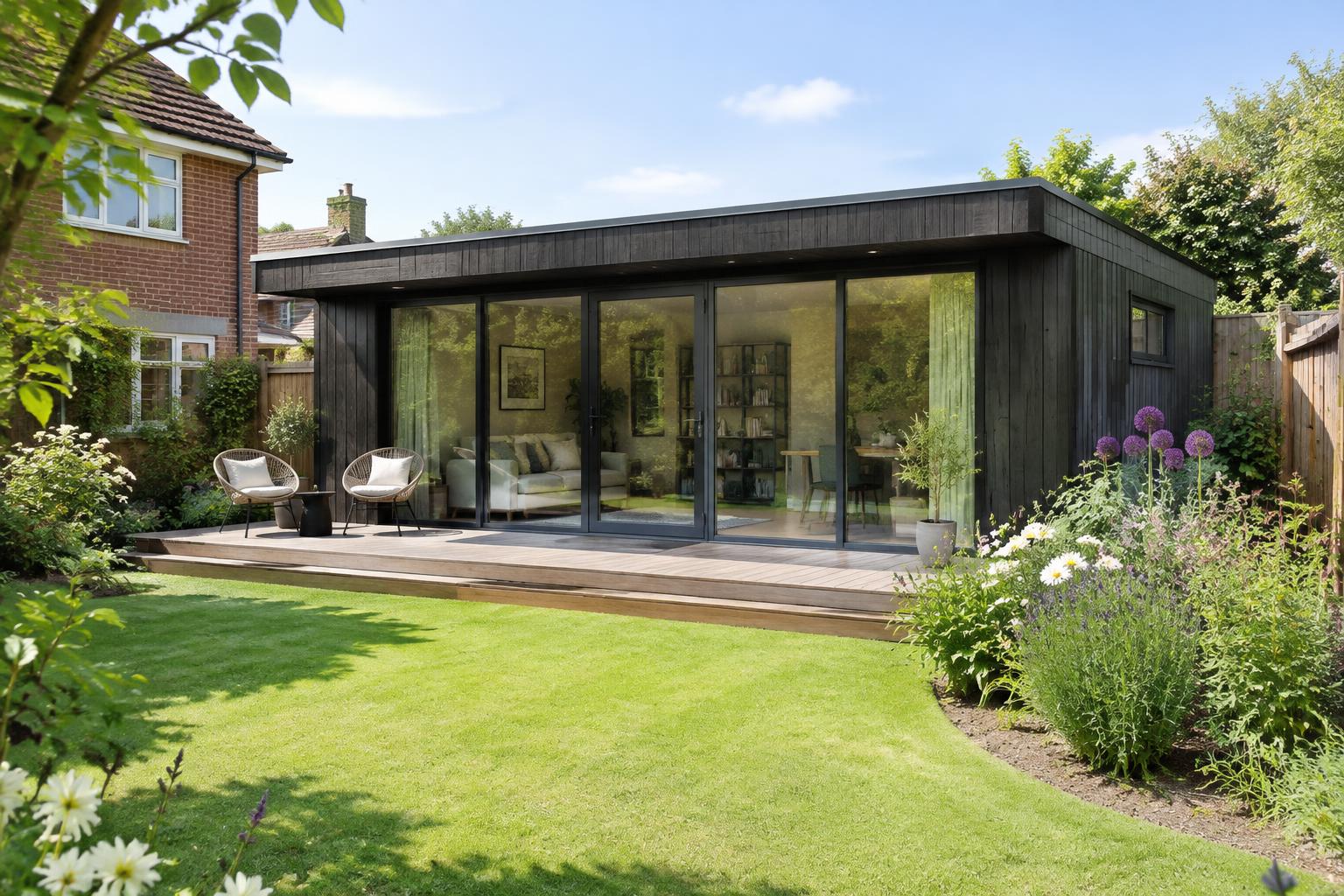
Plan a guest annexe, home office or studio of around 30 m² in your garden, with exact measurements and drawings to discuss with your council.
Discover: Garden annexe 30 m²07
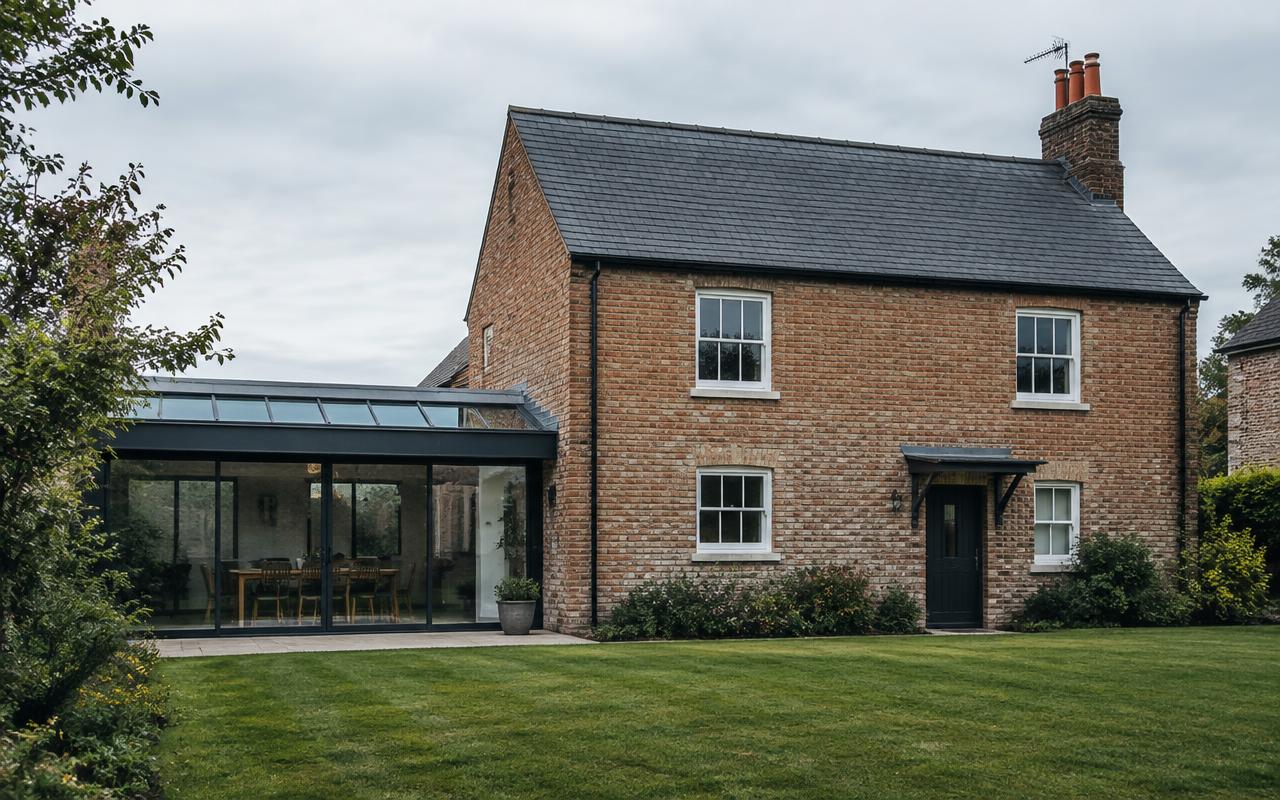
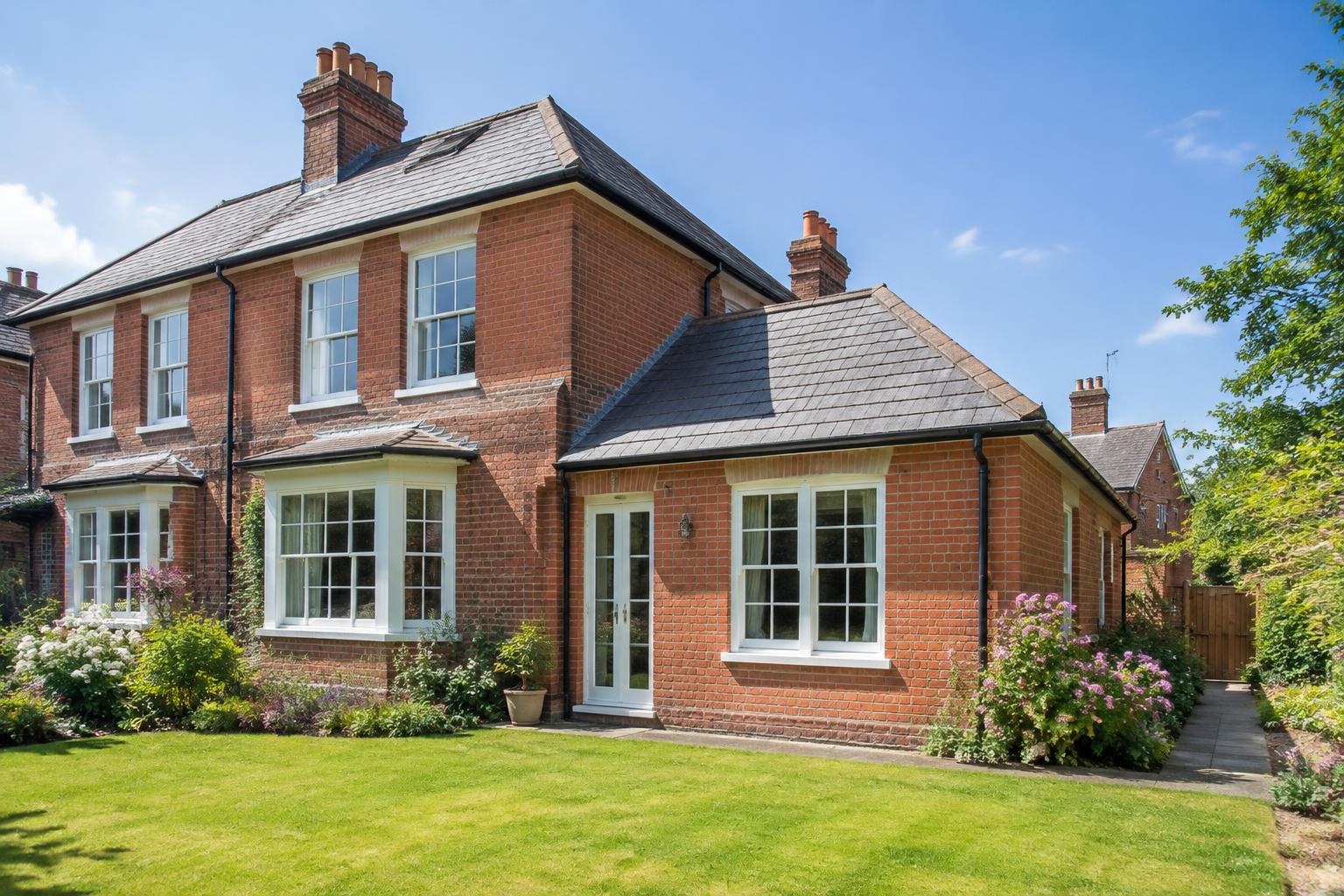
Rear, side-return or wrap-around: draw the existing house, add the new part and produce drawings where the extension is clearly shown.
Discover: House extension08
Everything around the plan in one place: saved AI images, floor areas, comments and documents to share with the people helping you.
Discover: Overview & collaboration