Skip to content
myroomcraft

House · Cabin · Backyard ADU · Addition

Design your own house – from foundation to furniture.

Draw in feet and inches, build volumes and wood framing in 3D and walk through the rooms before anything is built. Create dimensioned drawings to show your contractor – in the browser.

Nothing to installAI support in the paid versionYour dream home from the ground up to the interior
Scaled drawings as PDFFeet and inches throughout
Design your own house or cabin.

The whole journey

One tool, from idea to drawings.

01

House volumes, roofs and siding

Sketch a family home, a cabin or an addition. Choose gable or shed roofs and siding materials and fit the volumes to the slope of the lot. Roofs, floors, studs and trusses are derived from the volumes as an early basis. Common US framing is the default – 2x6 studs at 16" o.c., trusses at 24" o.c. – and you can change it freely.
02

Floor plans to scale

Draw rooms, doors and windows in feet and inches – or start from a photo of a plan. Live review flags tight passages and clashing doors. Stuck? Ask the AI guide right in the tool.

03

Materials and 3D

Furnish at real sizes, import materials from store links and walk through the rooms or look around in 360°.

04

Drawings and material list

Plan, elevation and section as dimensioned PDF with title block, plus a material list and IFC and glTF export.

Why MyRoomCraft

Drawings that hold up all the way to the permit office

Not just a nice picture. Drawings, checks and documents that answer the questions your permit office, HOA and contractor ask.

Professional A3 drawings

Thin black lines, a scale bar on every sheet, dimensioned site plan and a title block with address, scale, date and datum.

Planning check before you submit

Calculates footprint, floor area, eaves and ridge height automatically, so you can compare them with the rules.

From sketch to contractor's brief

Framing and roof truss plans with studs, joists and spacing – a starting point for your contractor or engineer.

MyRoomCraft gives you tools and drawings in a standard format. You remain responsible for your application and for checking local rules. Structural elements must always be designed by a qualified professional.

See everything included

Pricing

Try freely. Pay when the project is real.

One payment per project. No subscription.

Try for free

$0

For as long as you like

  • 2D floor plan
  • One floor
  • Feet and inches with magnetic alignment
  • Sofa, bed and dresser
  • Live planning advice
  • Free sketching of house volumes
Start drawing free
For the whole project

Paid version

$15

One-time · 12 months per project · sales tax may apply

Everything in free, plus:

  • 3D, walkthrough and 360°
  • The full furniture library
  • Build model, wood framing and trusses
  • Dimensioned drawings and material list
  • Unlimited floors
  • AI images and import from photo or sketch
  • Chat, tasks, share link and MCP
  • AI support that helps you use the tool
Start drawing

Houses & cabins

Design your own house or cabin.

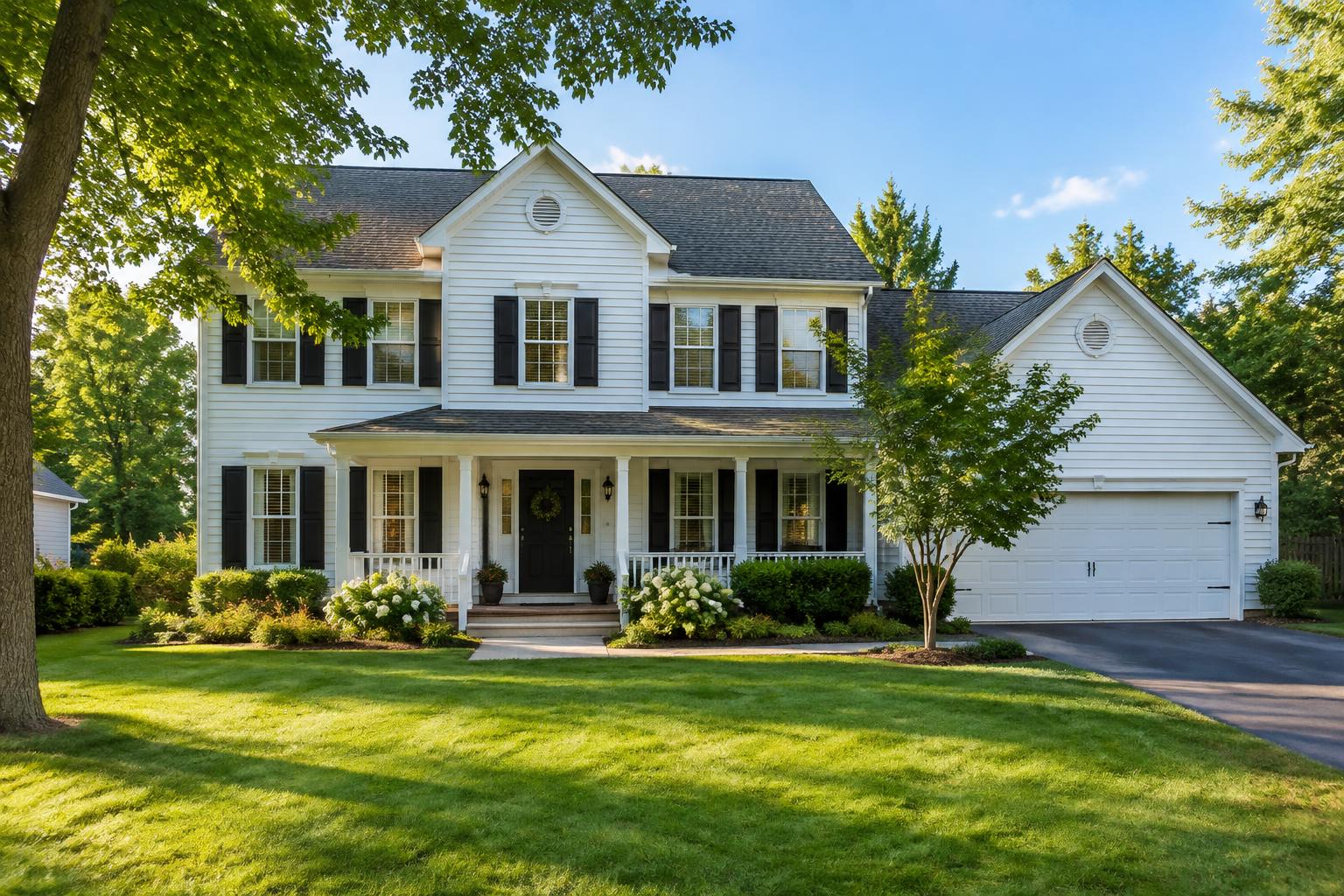
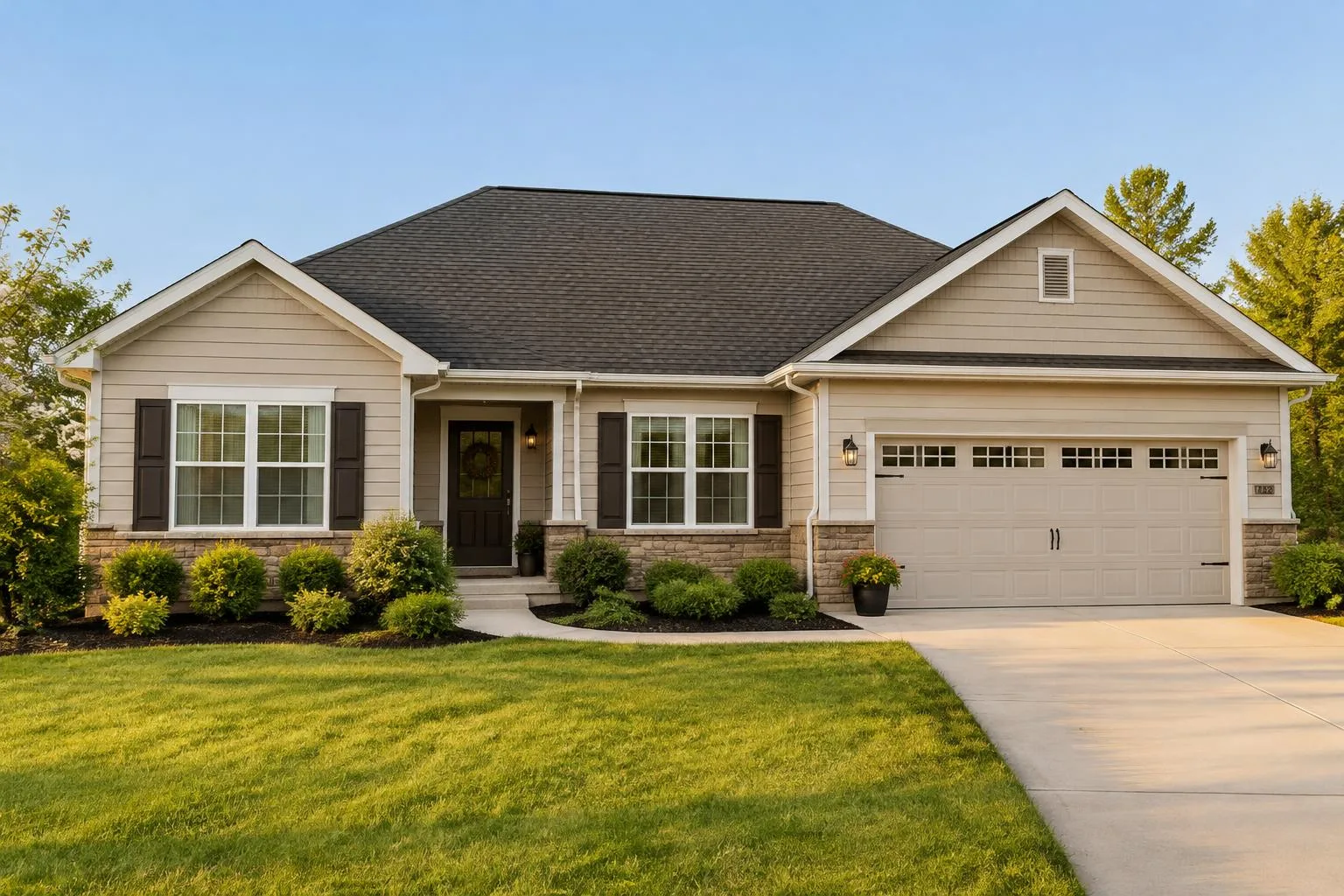
From a two-story colonial to a ranch or a lake cabin. Sketch volumes with gable or shed roofs and watch floor plans and framing take shape.

How to design your house

See how it works.

Confidence from the start.

No subscription

You pay once per project. Nothing renews automatically.

Your drawings are kept

Projects stay for up to two years after your last login, with a reminder before anything is deleted.

Private by default

Your home drawings are private – only people you invite can see them.

Everything for your home, in one place.

The backyard comes too.

Lay out lawn, driveway, patio, deck, pool, trees, hedges and fencing to scale – and see the house and yard together in 3D.

Discover more
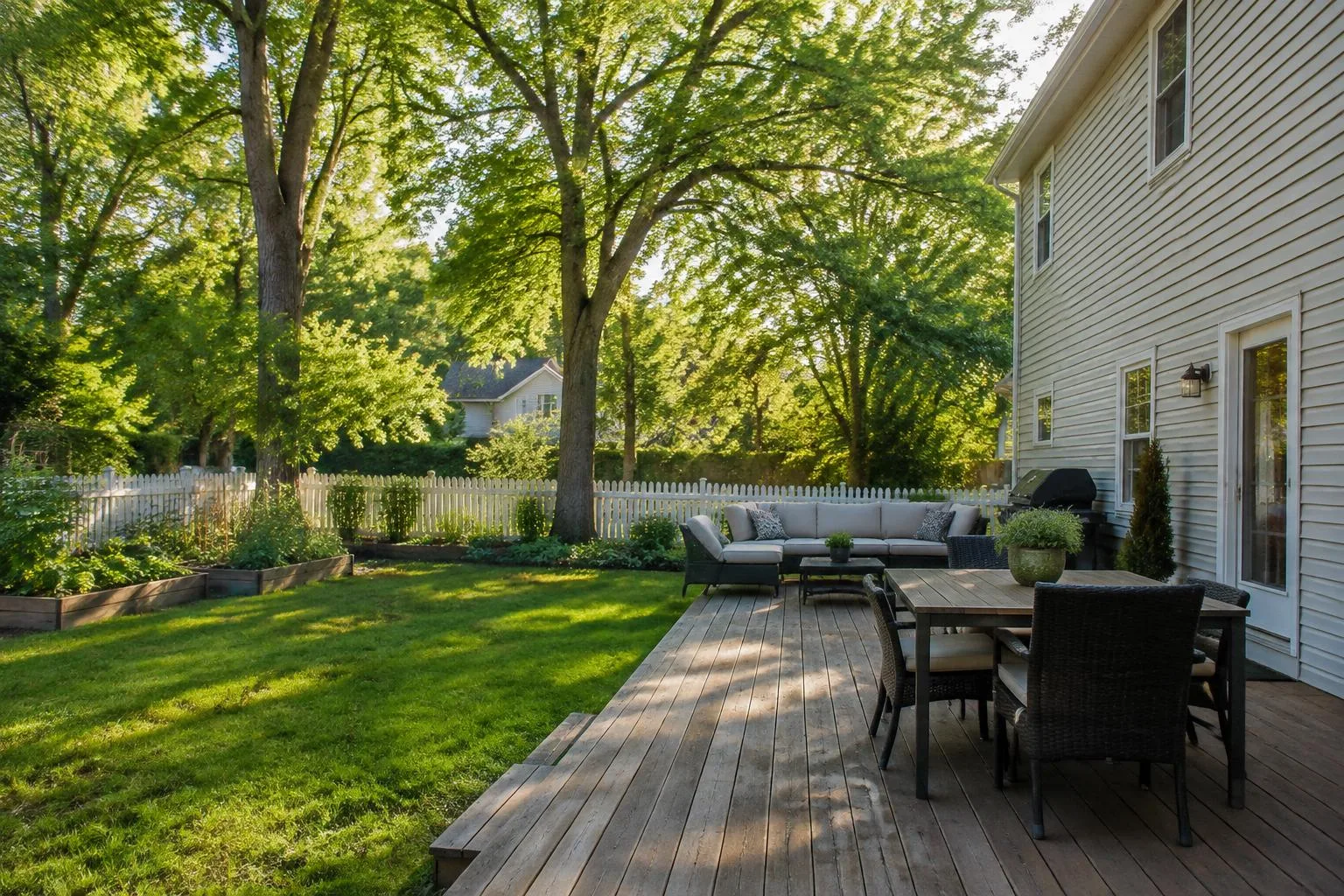
Backyard of a lap-siding house with wooden deck, lawn and white picket fence
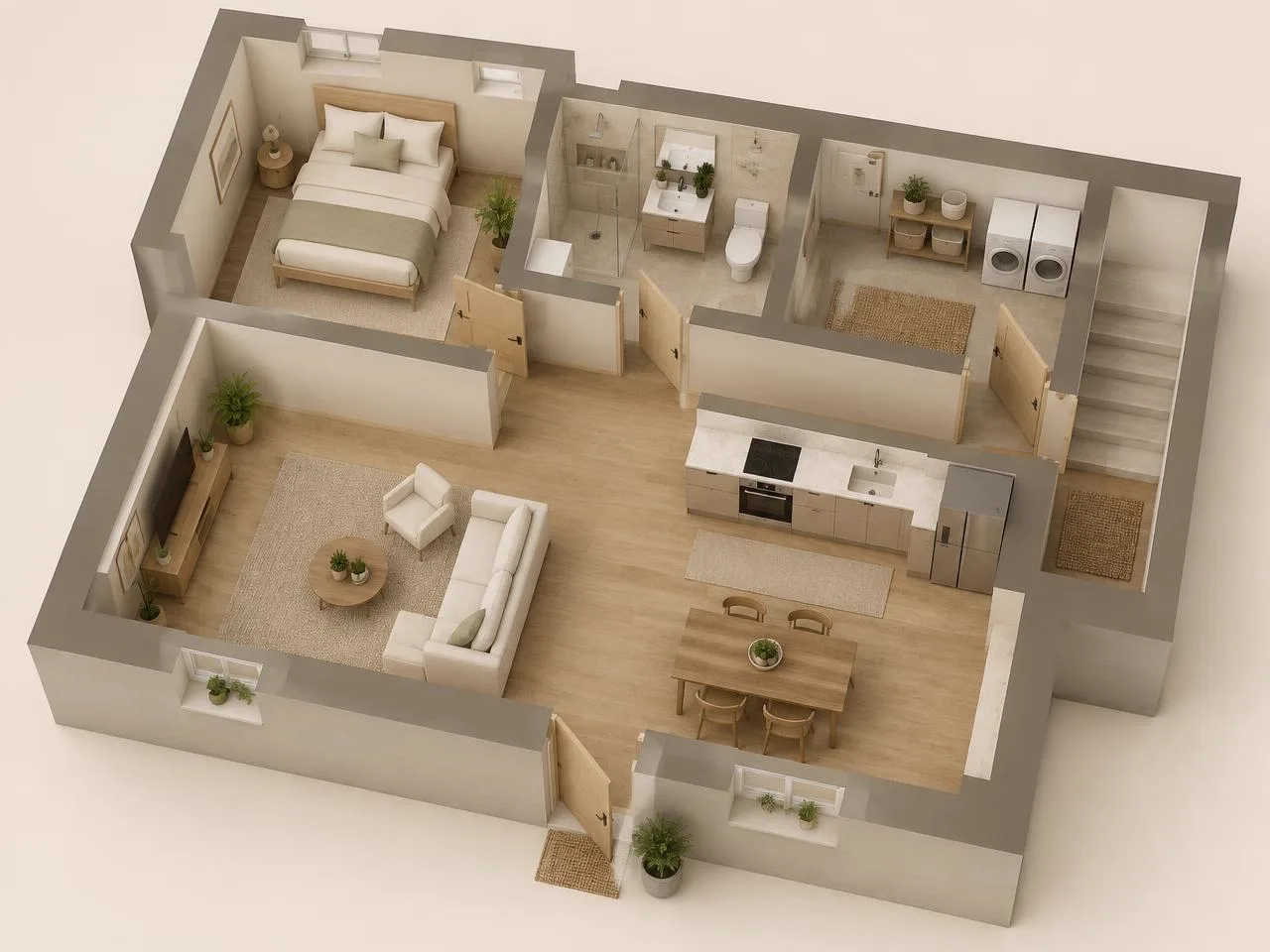
3D view of a furnished floor plan

From sketch to finished room.

Invite your partner, contractor or architect. Choose who can edit and who can only view the project.

My projects